









Business Process
Automation Consultants
How to use QR codes to speed up and simplify your processes
AppSheet and Smartsheet let you capture Barcodes or QR coded data using the camera on your Smartphone. When you use QR codes and Barcodes you just point, click and download the data in an instant. It’s that simple. Not only that, but these incredibly versatile tools also have the ability to apply Conditional Logic to Smartsheets. There are many ways to use QR codes and Barcodes.
How to use QR codes and Barcodes
You can use QR Codes or Barcodes for all sorts of things. For example:
- Scan a package in or out and add/reduce stock levels. Update items that need reordering, for example when managing stock takes of your PPE stock and recording the usage stats on a dashboard. Your system is updated immediately and accurately.
- Identify a manufacturing job to progress it to completion. Discover a job’s history and details in one click.
- Clock in and out of a desk/room/office/site/machine. Automatically update timesheets or equipment usage or hire.
Benefits when you use QR codes
Here are just a few of the reasons why our clients love this ‘rather nifty’ feature:
Flexibility
Our Appsheet and Smartsheet consultants have been implementing this tool for clients in a range of industries, including construction, surveying, manufacturing and delivery. Just tell us what data you need to record and we’ll do the rest. The work takes days not months, making it affordable and accessible.
The technology is remarkably adaptable allowing you to account accurately for items in all industries and environments.
The speed of use and application also ensure that you have real time data transferred digitally instantly, which is a marked contract to data collected by hand and then uploaded into a digital format causing additional delays. The use of QR codes and Barcodes improved speed and flexibility in data collection and transfer.
Portable
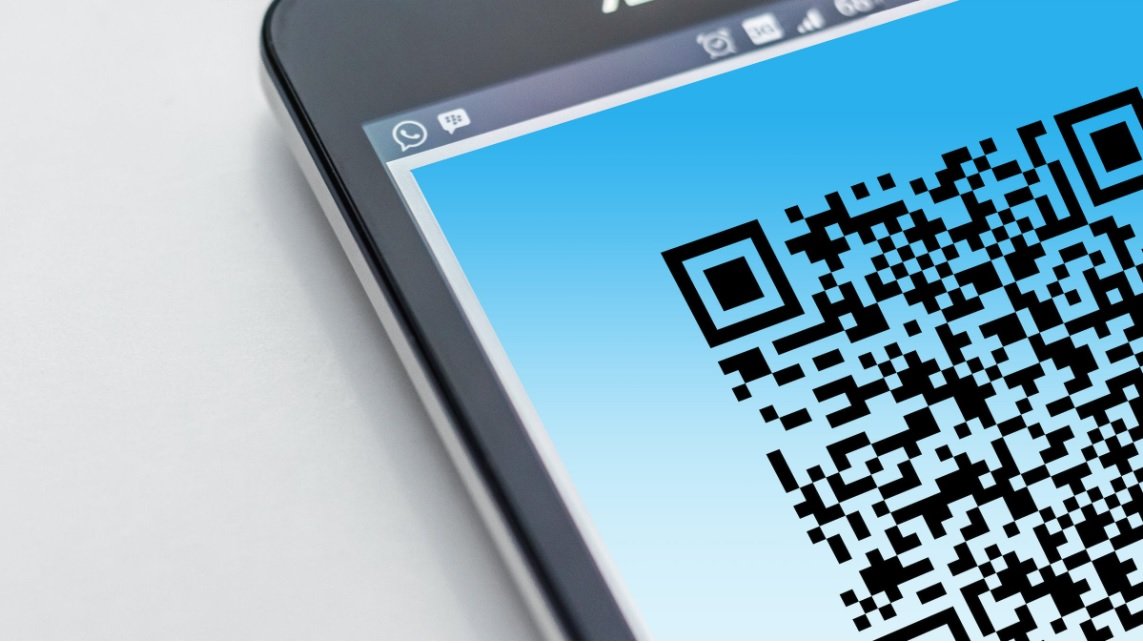
Code scanning is particularly useful for clients whose teams are out on site. They can simply use the camera and Barcode or QR scanner app in their own smartphones to capture data while on the move. How to scan a qr code on your phone ? It’s easy. You simply hold the camera of your smartphone over the code and the data is captured and registered.
No signal? No problem. AppSheet can store the data in your device until you are ready to sync. This allows you to use the technology in the controlled environment of an office or warehouse, and outside in an offline environment.
Ease of use
Clients tell us making features user friendly is a must when rolling out new tech to their teams. AppSheet’s code scanner reduces pushback by being so simple and easy to use. Your staff will wonder why you never thought of it sooner.
To use QR codes and a Barcode scanner is so easy it reduces training time dramatically. It is also a low cost way to manage inventory control which lowers the bar for ease of adoption.

Easy to implement
AppSheet delivers all the ease you would expect from a no code / low code programme. You don’t need to download a scanner app, you can just use your smartphone camera.
Environmentally friendly
When you use QR codes or Barcodes you will go digital with your data. This in turn allows you to make form filling, paper and pencils a thing of the past. Code scanning with Appsheet eliminates all this, one simple click of your camera.
Want to make this work for you?
Request a FREE consultation using the button below: